9 Ready-to-edit screenshot templates
Panoramic App Store Screenshot Templates
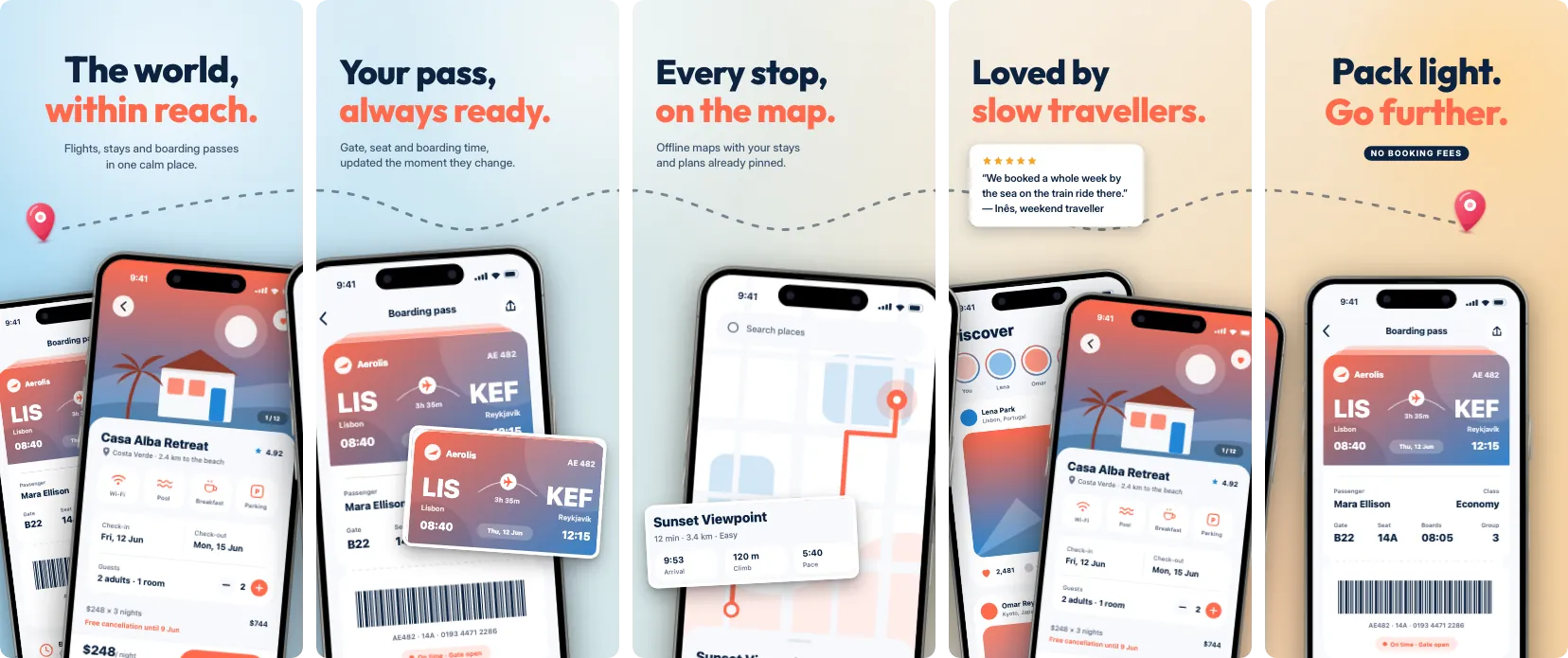
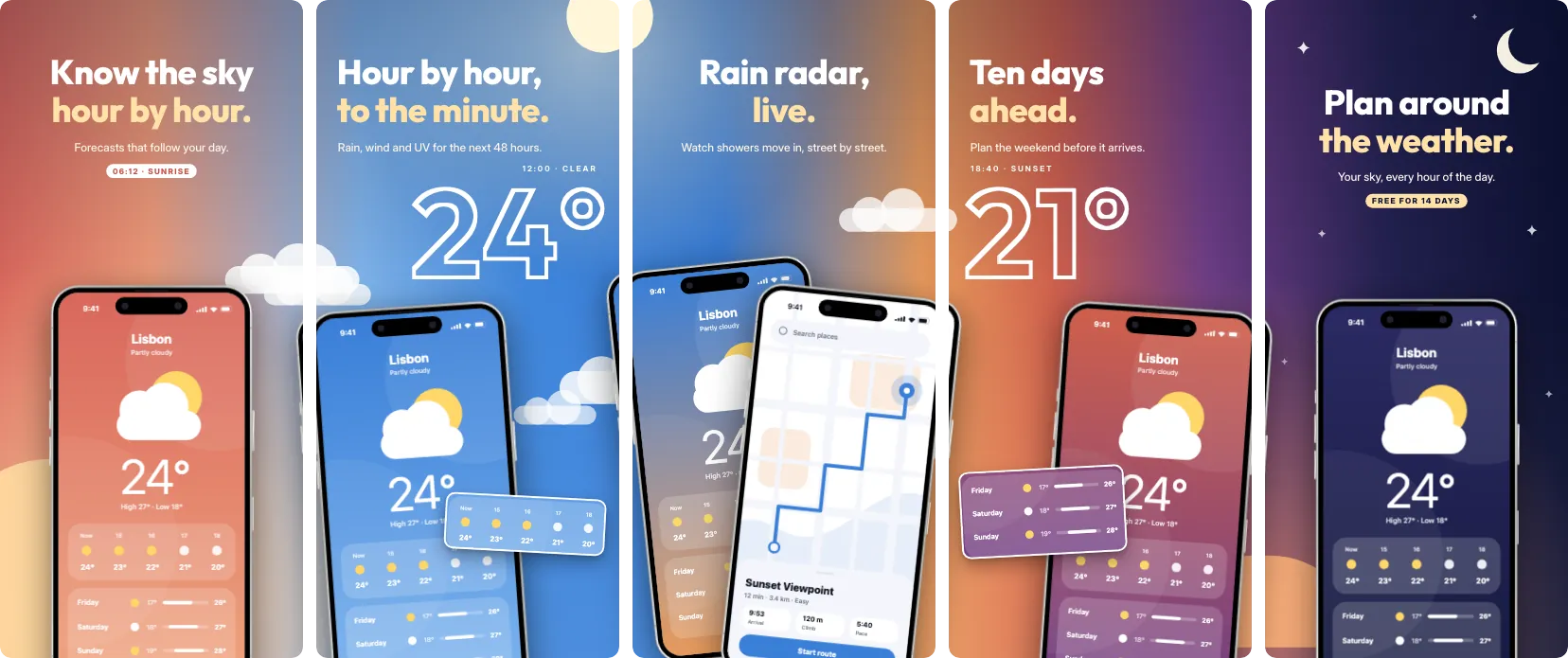
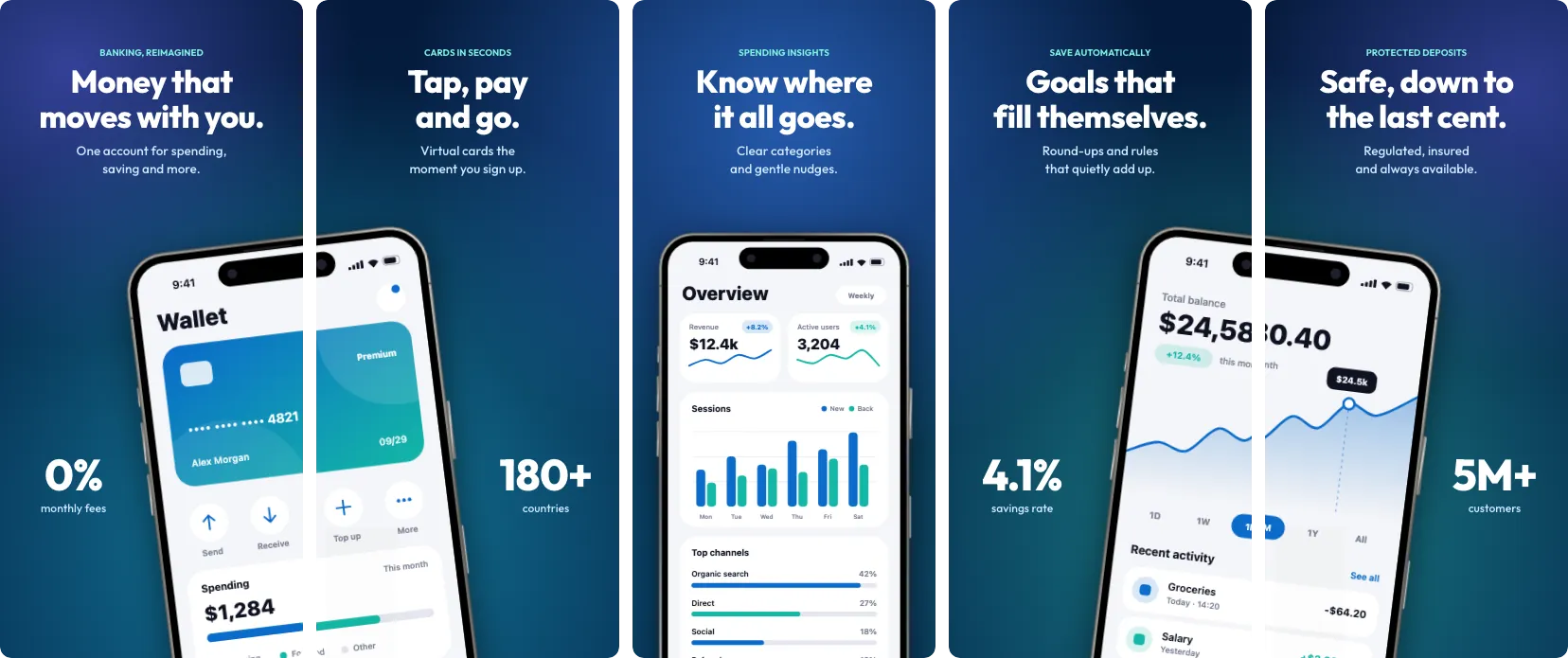
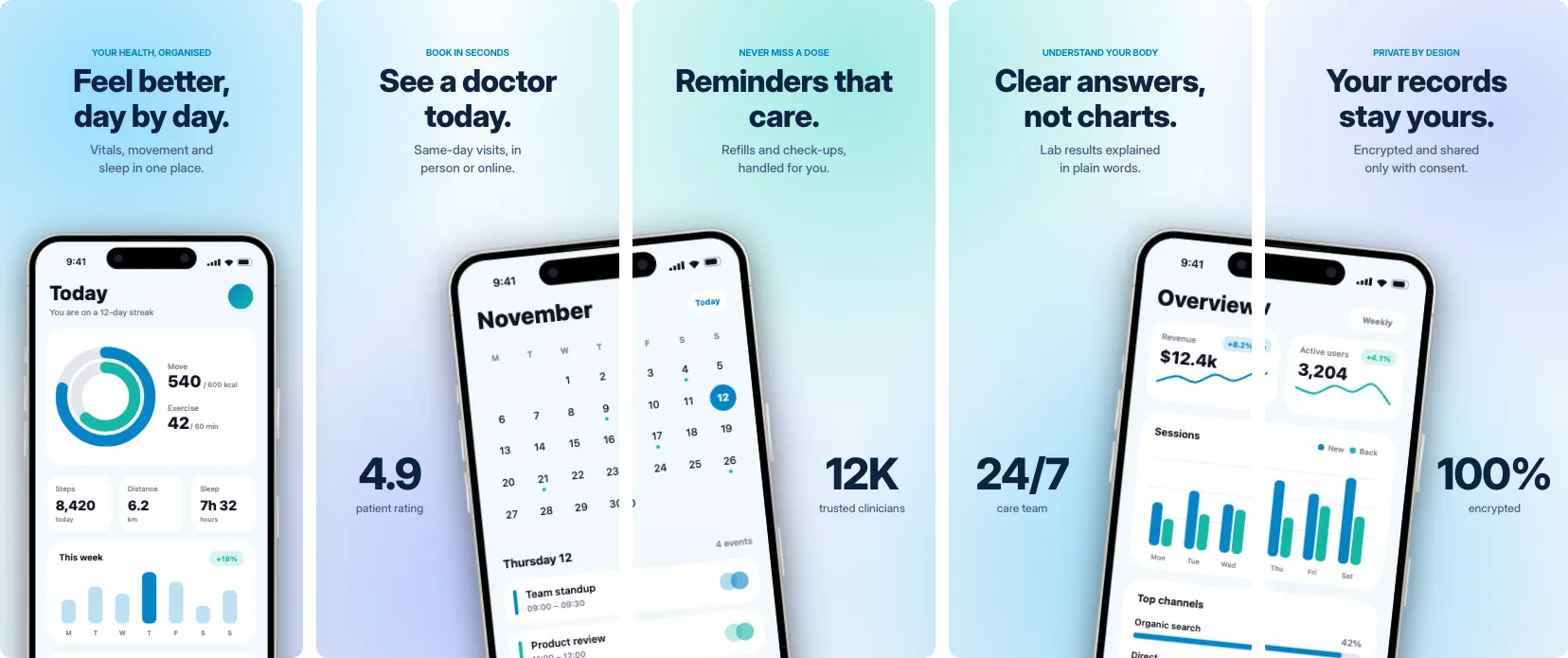
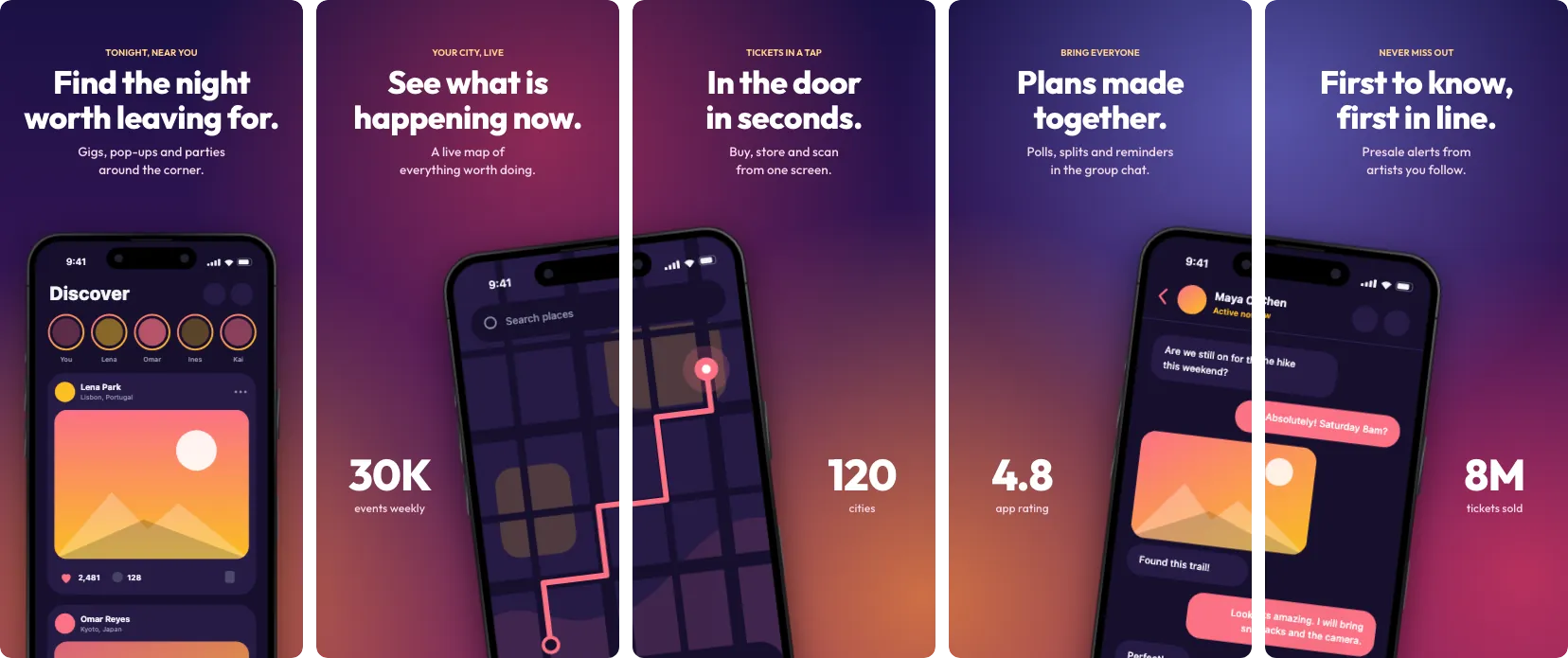
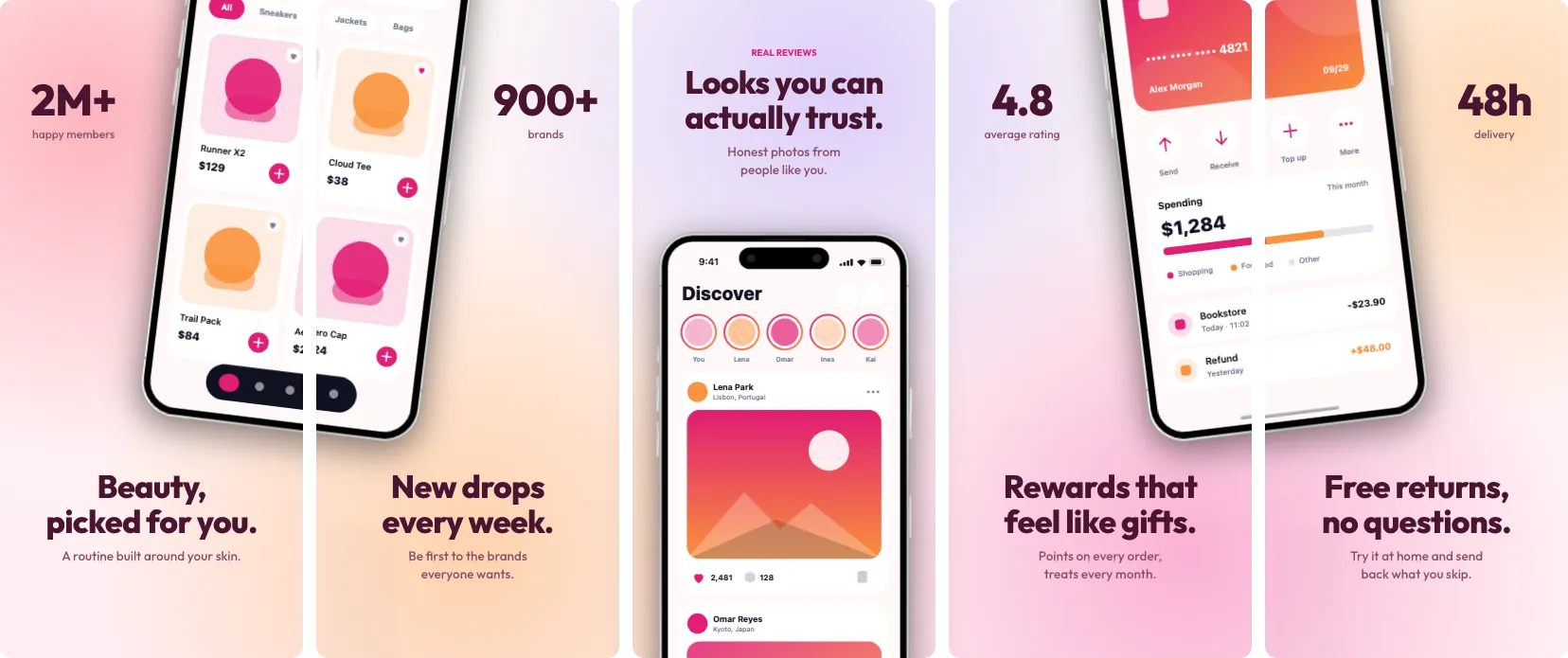
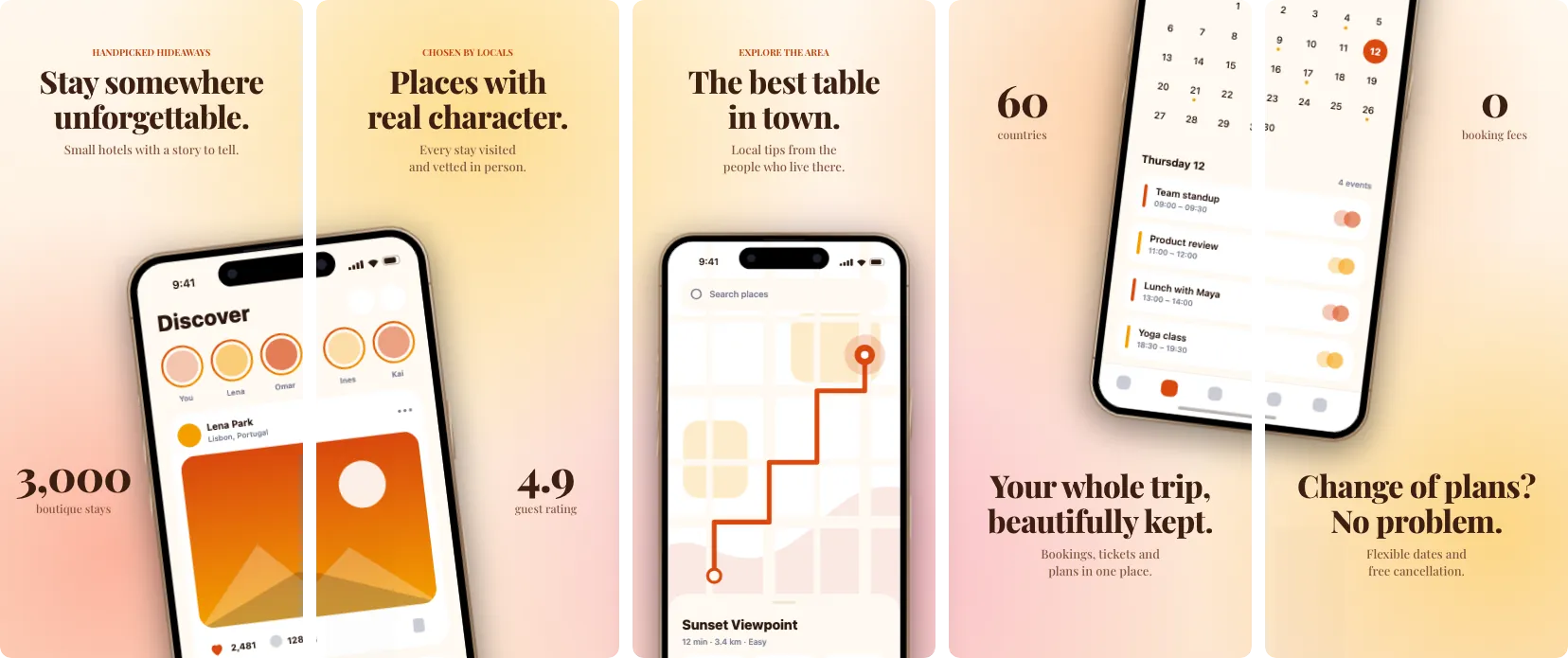
Create a continuous visual story across your App Store and Google Play gallery. Panoramic backgrounds and spanning device layouts pull users from screen #1 to screen #5.
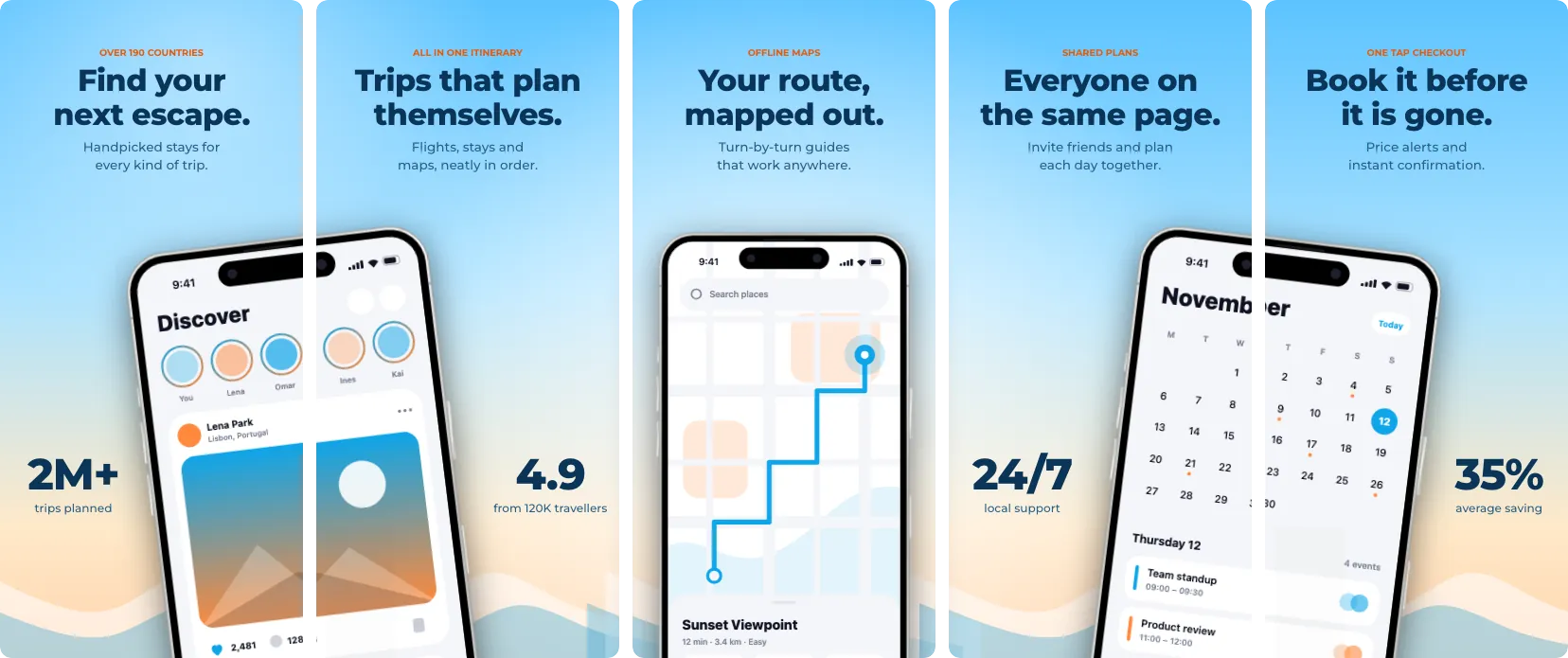
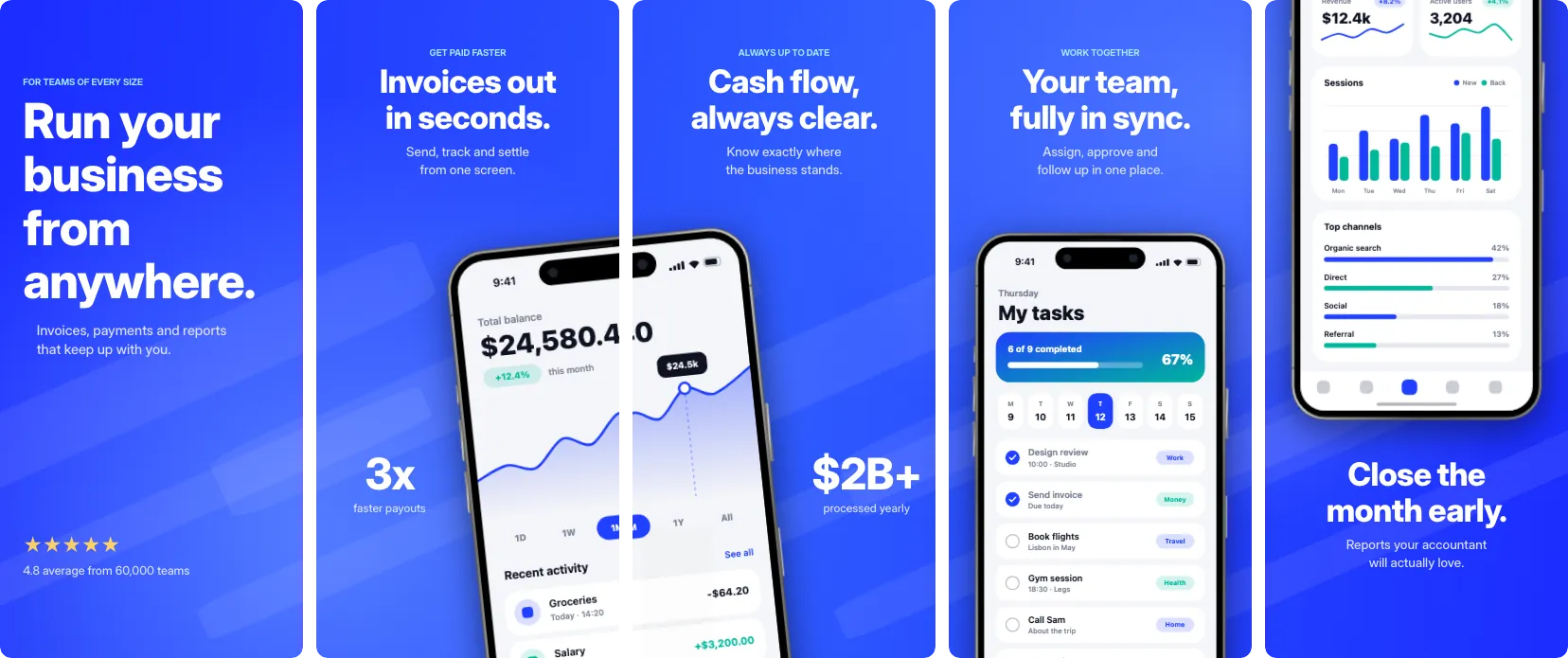
Best practices for panoramic & split-screen store screenshots
- Bridge screens 1 and 2 intentionally: In App Store search results, users see the first 2–3 portrait screens side by side. A spanning visual cue across screens 1 and 2 naturally invites swiping.
- Keep headlines inside safe margins: Never split headline text across the seam between two screenshots — span backgrounds, shapes or device edges instead.
- Export clean edges without gaps: ReinShots slices your panoramic canvas into pixel-exact individual PNG/JPEG files with zero seam misalignment.
Customize any template with your own screenshots
No account required and nothing is uploaded. The 10 Free templates export at full resolution without a watermark. Pro is a one-time €19 license with no subscription.
Open ReinShots Studio Free →